Grab My Blinkie!

Showing posts with label Mask. Show all posts
Showing posts with label Mask. Show all posts
Tuesday, March 3, 2015
Steampunk Sass
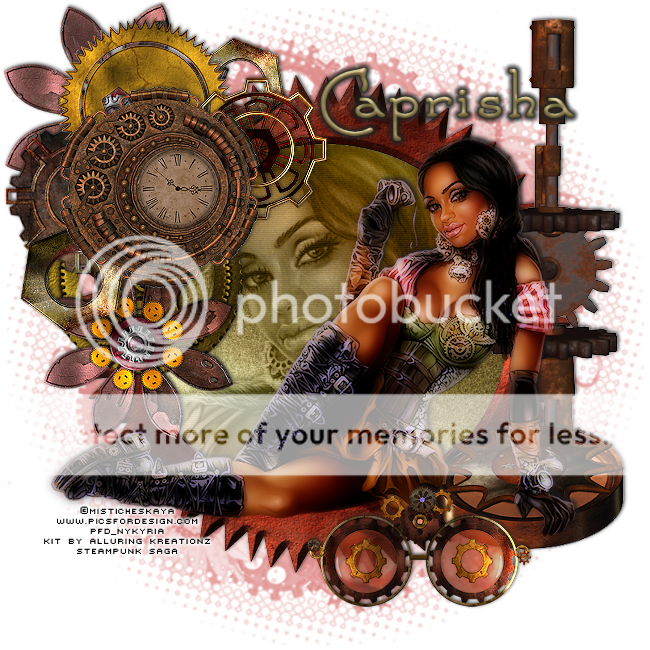
Tube by Misticheskaya at PFD
Kit by Alluring Kreationz - Steampunk Saga
available Pimpin PSPers Warehouse
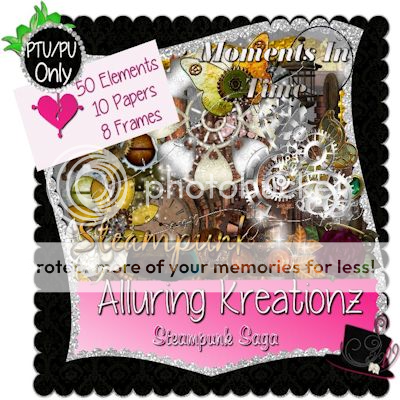
SAVE ALONG THE WAY!
Mask #56 HERE
Font Santas Sleigh Fulll
Open new image 650 by 650
c/p frame 8, using magic wand click inside frame, selections, modify, expand by 3
copy paper 3, add a new raster layer below the frame and paste into selection
select none
c/p tube, duplicate - hide one of the tube layers for later use
resize the tube to your liking and place where you want
c/p ele 38, 41, 39, 26, 17, 16, 21
move duplicate tube above paper and position how you want, repeat magic wand and expand click on the tube image - selections, invert and delete
select none
on this layer of the tube
effects, xero-procelian, default settings, effects, texture effects, blinds - w 2, o 20, color #404040
add a drop shadow, lower opacity to 75, change the blend mode to luminance
add a drop shadow to all elements
on the main tube layer
effects, xero-procelain, duplicate the tube, on the top tube, adjust, blur, gaussian blur with a radius of 5 change blend to soft light
on the bottom tube, effects, photo effects, film & filters with film looks set to glamour and creative filters set to warming, density 10
add a drop shadow to this layer
FF the very bottom raster layer your color of choice, I used #df8e8c, add your mask and merge group-when using this mask, I had to invert it.
add name and CR with your license number
Thanks for looking!

Monday, July 1, 2013
SPARKLE
Mask
I really like how this one turned out, snag and enjoy!


Subscribe to:
Posts
(Atom)